Why Website Speed Is Now a Business-Critical Factor
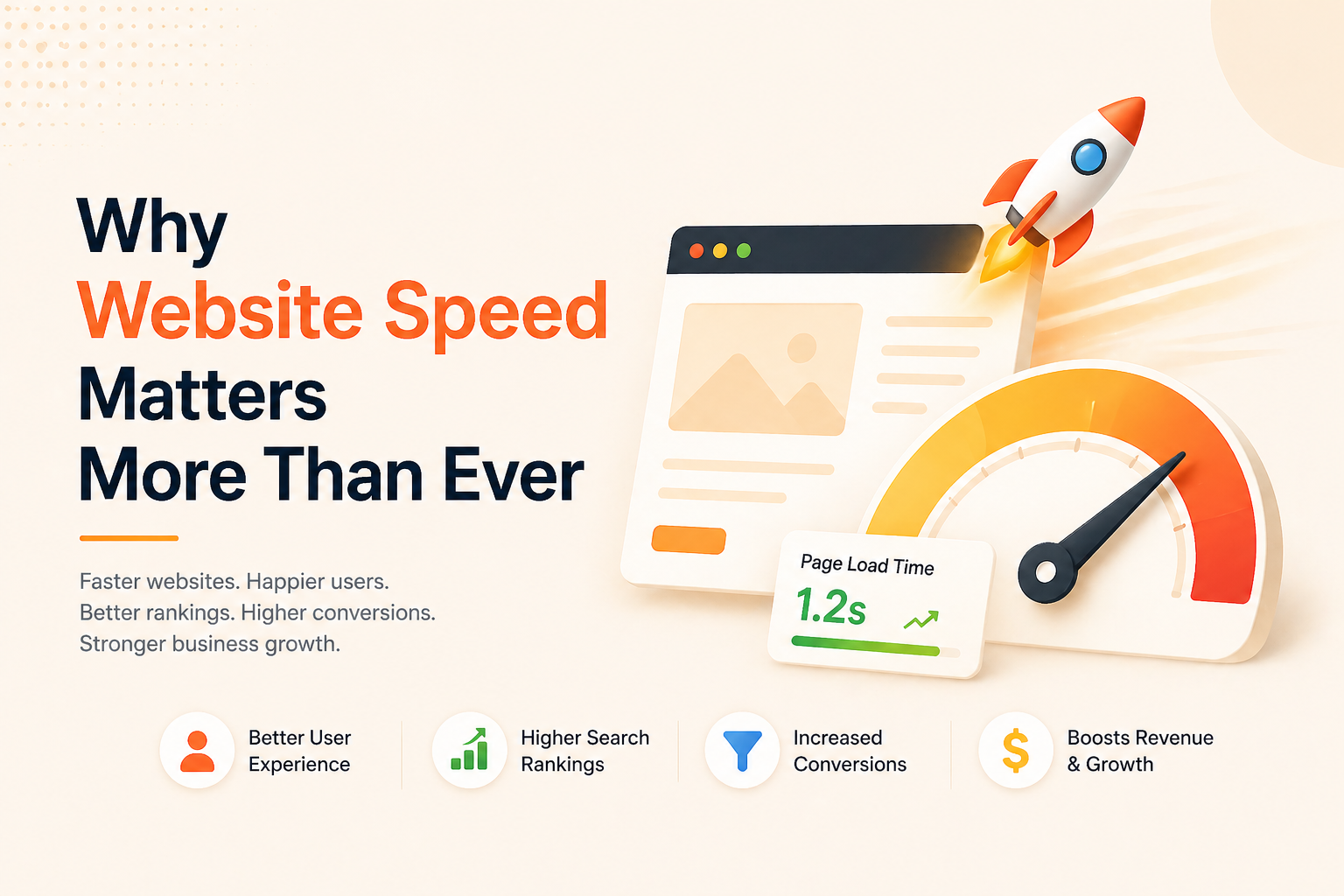
In 2026, your website is your first sales meeting. It’s your pitch deck, your receptionist, and your product demo — all in one. And most visitors decide whether to stay or leave within three seconds of landing on it.
This isn’t a UX preference. It’s a measurable business variable. Slow websites bleed leads, suppress rankings, erode trust, and make every dollar you spend on marketing work less efficiently. Understanding why website speed matters is no longer optional for founders — it’s table stakes.
What changed? Expectations did. Mobile-first behavior, faster network infrastructure, and a global rise in impatient, comparison-shopping users have collectively reset the baseline. Your site isn’t just competing against your direct rivals. It’s competing against every fast, clean experience your visitor encountered before yours.
Understanding Page Load Time, Responsiveness, and Real-World User Experience
Website speed isn’t just one number. It’s a cluster of performance signals: how quickly the first piece of content appears, how soon users can interact, and how stable the page is as it loads.
Think of it in three layers:
- Perceived speed — how fast the site feels to the user
- Technical speed — what the actual load time metrics show
- Interaction speed — how quickly a user can click, scroll, or submit a form after landing
A page might technically load in 4 seconds, but if meaningful content appears in 1.5 seconds, users often stay. Conversely, a page that loads in 2.5 seconds but shifts layout mid-scroll can feel broken and slow. The experience of speed matters as much as the measurement of it.
Founder Insight: Don’t optimize just for a Lighthouse score. Optimize for the moment your visitor decides to trust you — that’s the real finish line.
Why Website Speed Directly Impacts Business Trust and Engagement
First impressions online are almost entirely visceral. A slow or stuttering website doesn’t just frustrate — it signals unreliability. For a visitor who’s never heard of your brand, a sluggish load time activates an immediate skepticism: Is this company serious? Can I trust them with my data or money?
This is especially critical for early-stage startups where brand equity is thin. You don’t have the luxury of a recognizable name compensating for a rough experience. Your product has to perform, and your site is the first proof point.
Engagement metrics compound this. Visitors who wait too long simply leave — and a high bounce rate doesn’t just cost you that lead. It feeds a negative signal loop into your SEO performance, reducing visibility over time for future visitors.
Load Time, Conversion Rates, and Revenue Impact Explained
This is where the business case becomes undeniable. The relationship between website speed and conversion rate is one of the most well-documented correlations in digital commerce — and the numbers are consistent enough across industries that ignoring them is a strategic error, not a judgment call.
The data tells a clear story:
| Load Time | Bounce Impact | Conversion Impact | Source |
|---|
| 1s (baseline) | Lowest | Highest | Google/Akamai |
| +100ms (retail) | – | +1% revenue | Akamai |
| 1-3s | +32% probability | – | Google (older) |
| 1-5s | +90% probability | Significant drop | Google (directional) |
| 3s mobile delay | 53% abandon | – | Google 2018 (still cited) |
| Vodafone LCP opt. | – | +8% sales | web.dev |
That’s not a marginal difference. A load time increase from one second to five seconds can functionally eliminate your conversion potential. For a SaaS product generating $50K/month in inbound revenue, even a 15–20% conversion improvement from speed optimization can mean $7,500–$10,000 in additional monthly revenue — from the same traffic you’re already paying for.
The compounding effect matters even more in paid campaigns. Every ad dollar you spend that lands on a slow page is a dollar working against itself. Google Ads Quality Score factors landing page experience directly into cost-per-click — meaning a slow page raises your ad costs while simultaneously reducing the percentage of visitors who convert.
Founder Insight: Speed optimization is often the highest-ROI marketing investment a startup can make — not because it’s cheap, but because it amplifies everything else you’re already spending. A 15% conversion lift from speed alone has zero incremental acquisition cost attached to it.
How Website Speed Affects SEO, Rankings, and Organic Traffic
Speed and SEO have been intertwined since Google began using page speed as a ranking signal in 2010. But understanding how website speed affects SEO in 2026 requires looking at what Google actually measures — and it’s far more nuanced than it used to be.
Google’s algorithms now evaluate performance through the lens of real user experience, not just raw load time. This means your rankings are partially determined by how actual visitors experience your site across devices, locations, and connection types — not just how it performs in ideal conditions.
The SEO implication is direct: a fast site earns better crawlability and stronger ranking potential across both organic results and paid placements. A slow site loses ranking positions to competitors who’ve invested in performance — often without any change to their content or backlink profile.
How Core Web Vitals Influence Website Speed and SEO
Core Web Vitals are Google’s standardized metrics for measuring real-world user experience. They are not a checklist — they are a live ranking input. As of 2024, failing these signals can quietly suppress your organic visibility even if your content is excellent and your backlink profile is strong.
The three signals that matter most in 2026:
| Metric | What It Measures | Good | Needs Improvement | Poor |
|---|
| LCP (Largest Contentful Paint) | How quickly the largest visible element loads — typically your hero image, headline, or video. | ≤ 2.0s | 2.0–3.0s | >3.0s |
| INP (Interaction to Next Paint) | Page responsiveness to user interactions (replaced FID March 2024; stricter in 2026). Slow JS primary issue. | ≤ 150ms | 150–300ms | >300ms |
| CLS (Cumulative Layout Shift) | Visual stability during load. Score >0.08 causes jarring shifts. | ≤ 0.08 | 0.08–0.20 | >0.20 |
Note: Prioritize field data (real users) from Search Console over lab tests.
A note on INP specifically: many sites optimized before March 2024 were tuned for the old First Input Delay (FID) metric. FID only measured the first interaction; INP measures every interaction throughout the session. If your site feels sluggish after the initial load — when users click navigation, open menus, or submit forms — you may have an INP problem even if your historic scores looked healthy. Audit INP explicitly using Chrome DevTools or PageSpeed Insights, not just legacy performance reports.
Where to check your Core Web Vitals
Google Search Console → Core Web Vitals report (field data from real users). Chrome DevTools → Performance panel (lab data). PageSpeed Insights → pagespeed.web.dev (both field + lab). Prioritize field data — it’s what Google actually uses for ranking.
What Is a Good Website Speed for Businesses?
A fast website is not just a technical achievement — it is a measurable competitive advantage. But “fast” is not one number. It’s a composite of several metrics that together determine how your site feels to a visitor and how Google evaluates it.
Pragmatic benchmarks for most business websites in 2026:
| Metric | Target (Good) | Acceptable | Action Required (Poor) | What to Fix |
|---|
| LCP | ≤2.0s | ≤3.0s | >3.0s | Images, server response, render-blocking resources |
| INP | ≤150ms | ≤300ms | >300ms | JS execution, third-party scripts |
| CLS | ≤0.08 | ≤0.20 | >0.20 | Image dimensions, fonts, dynamic injection |
| TTFB | ≤600ms | ≤1.2s | >1.2s | Hosting, CDN, caching |
| Total Page Size | ≤1.5MB | ≤2.5MB | >2.5MB | Compression, unused code |
| Mobile Load (3G) | ≤2.5s | ≤4s | >4s | Prioritize images/JS |
These thresholds shift based on your audience and industry. An enterprise B2B product with a long research-led buying cycle has more tolerance than a D2C brand where impulse and instant gratification drive purchase decisions. But in 2026, no business category benefits from being slow — the variation is only in the degree of urgency.
The right question to ask
Not “are we fast?” but “are we faster than what our visitor just came from?” Relative speed experience determines perception more than absolute milliseconds. Run your top three competitor URLs through PageSpeed Insights and benchmark against them — not against a generic industry average.
Signs Your Business Website Is Too Slow to Compete
Most founders don’t realize their site is underperforming until they look at the data. Watch for these signals:
- Bounce rates above 60% on landing pages with high ad spend
- Average session duration under 45 seconds on content-heavy pages
- Poor Core Web Vitals scores in Google Search Console
- A growing gap between traffic volume and lead generation
- Mobile conversion rates significantly lower than desktop (often a speed gap in disguise)
If more than two of these are true simultaneously, speed is likely a contributing variable — not the only one, but a meaningful one.
Most slow websites aren’t the result of poor decisions — they’re the result of accumulated shortcuts that made sense at the time. The most common causes:
Unoptimized images are responsible for the majority of excess page weight. A hero image uploaded at 4MB with no compression adds 3–5 seconds to load time on mobile.
Heavy JavaScript bundles from third-party tools — analytics, chat widgets, cookie banners, A/B testing scripts — load synchronously and block rendering. Every tool you add to your site has a performance cost that compounds.
Poor hosting infrastructure limits how fast content can be delivered. A shared hosting plan with no CDN means visitors in different geographies experience dramatically different load times.
No caching strategy means every visitor triggers a full server round trip, even for static content that hasn’t changed.
Render-blocking resources — CSS and JS that load before the page can display anything — delay the perceived speed significantly even when total load time is acceptable.
How to Fix a Slow Business Website: Practical Optimization Steps
Knowing how to fix a slow business website comes down to prioritizing the highest-impact changes first, not trying to solve everything at once.
Start with images. Convert all images to WebP format. Implement lazy loading so below-the-fold images only load when needed. This single step often improves LCP by 1–2 seconds on image-heavy pages.
Audit your third-party scripts. Open your browser’s Network tab and sort by load time. Identify which external tools are blocking render. Defer non-critical scripts, remove tools you’re not actively using, and load chat widgets or analytics asynchronously.
Implement a CDN. A Content Delivery Network caches your static assets at edge locations globally, reducing server round-trip time for international or geographically distributed users. In 2026, operating without one is a structural disadvantage, not a stylistic choice.
Enable server-side caching. Whether you’re on WordPress, Next.js, or a custom stack, caching static responses dramatically reduces server load and response time for repeat visitors.
Minimize CSS and JavaScript. Remove unused CSS classes and consolidate JS files. Tools like PurgeCSS or built-in Next.js optimizations handle this automatically in modern frameworks.
The Speed Audit Tool Stack — In the Right Order
Before optimizing anything, you need an accurate picture of what’s actually broken. Most founders open the wrong tools first and optimize based on incomplete data. Here’s the correct diagnostic sequence:
| Step | Tool | What It Tells You | Cost |
|---|
| 1 | Google PageSpeed Insights pagespeed.web.dev | Both lab data and real-user field data. Start here — it’s the same data Google uses for rankings. | Free |
| 2 | Google Search Console → Core Web Vitals report | Aggregated real-user CWV across all pages. Shows which URLs are failing at scale, not just in a single test. | Free |
| 3 | WebPageTest webpagetest.org | Detailed waterfall view of every resource loading. Essential for identifying what’s actually blocking render. | Free |
| 4 | Chrome DevTools → Performance + Network tabs | Developer-level analysis of JavaScript execution, layout shifts, and third-party script impact. | Free |
| 5 | Cloudflare Radar / GTmetrix | CDN performance and geographic load time variance. Useful if you have international users. | Free / $15/mo |
Founder Insight: Run PageSpeed Insights on your three highest-traffic pages, your primary paid landing page, and your homepage — in that order. Fix the top two flagged issues on each. That sequence alone captures 80% of the available performance gains without a single developer sprint.
How to Improve Website Speed for Long-Term Business Growth
One-time optimization fades. To improve website speed for business sustainability, you need to treat performance as a product discipline, not a project.
Build performance into your development workflow. Set a budget — for example, no page should exceed 200KB of JavaScript or take more than 3 seconds to load on a mid-range mobile device. Make these thresholds part of your deployment checklist.
Review your Core Web Vitals quarterly. Google updates its signals, user expectations shift, and new features you ship introduce new performance debt. A 90-day performance review cycle catches regression before it becomes a rankings issue.
Align your marketing and engineering teams around performance metrics. When both teams understand that a new landing page with a 5MB video background will suppress paid campaign ROI, the decision-making improves immediately.
The Hidden Cost of Speed Debt in Scaling Startups
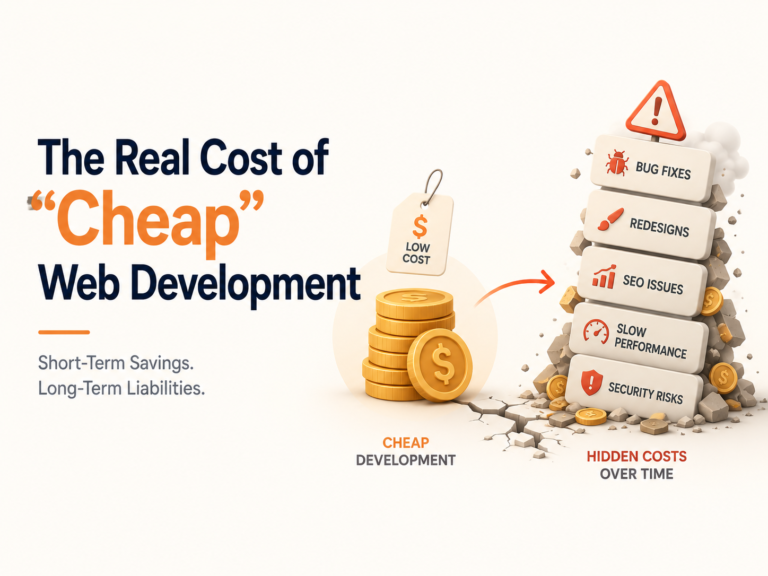
Early-stage startups rarely ignore performance intentionally. Speed issues accumulate quietly — through feature launches, marketing integrations, tracking scripts, video embeds, personalization layers, and experimentation tools. Each addition feels justified in the moment. Collectively, they compound into something with a name: speed debt.
Like technical debt, it’s the sum of small compromises. An uncompressed image here, a blocking third-party widget there, an extra analytics script added before a campaign. None of it breaks anything. All of it degrades performance — gradually, invisibly, until growth metrics start to flatten and nobody can point to why.
Why Speed Debt Becomes Dangerous During Scale
The damage compounds across your entire funnel. Google’s landing page experience signals feed directly into Quality Score, so slower pages raise cost-per-click while reducing conversion rate — a double drag on CAC at the exact moment you’re spending more on acquisition. Organic growth faces the same pressure: Google has confirmed that Core Web Vitals are incorporated into its ranking systems, and in competitive verticals, even marginal performance gaps erode positioning over time. On mobile — the baseline for Google’s ranking evaluation since mobile-first indexing became standard in 2023 — the stakes are higher still.
The abandonment data reinforces this. A widely referenced Google study on mobile sites found that as page load time increases from one second to three seconds, bounce probability rises by 32%. At five seconds, it reaches 90%. These are directional numbers, but the direction is unambiguous. And the context makes them sharper: the 2025 Web Almanac by the HTTP Archive reports that roughly 48% of websites pass all three Core Web Vitals on mobile in real-world field data. Performance is still a competitive differentiator. Most of your competitors haven’t solved it.
The Scaling Trap
The pattern repeats reliably. Startups increase ad budgets, expand SEO efforts, and build new landing pages — without auditing how fast those experiences actually deliver. CAC rises. Conversion rate stagnates. Paid ROI narrows. Organic rankings become volatile. Not because the product worsened. Because the delivery layer did.
Speed debt doesn’t cause a sudden collapse. It causes a slow ceiling — and ceilings are harder to diagnose than crashes because the symptom looks like a growth plateau, not a failure. The instinct is to spend more on acquisition. The correct move is to audit performance first.
For scaling startups, performance deserves the same review cadence as financial metrics. Not reactively. Structurally.
Real-World Example: How Speed Optimization Improved Conversions
The most compelling evidence for speed investment isn’t theoretical — it comes from structured performance optimization initiatives where the only changed variable was how quickly the page delivered its core experience.
Vodafone — LCP Optimization (Widely Cited, Still Instructive)
Vodafone reduced their Largest Contentful Paint by 31% and observed an 8% increase in sales, a 15% improvement in lead-to-visit rate, and an 11% uplift in cart additions. No new features. No redesign. No additional ad spend. Only the speed of content delivery changed.
Renault — Core Web Vitals Remediation (2022–2023)
Renault’s European web team undertook a structured CWV improvement program documented in Google’s web.dev case studies. By improving LCP and reducing CLS across their primary landing pages, they achieved a 14% reduction in bounce rate and a measurable uplift in lead form completions — with the performance gains holding six months post-launch rather than regressing, which is the common failure mode of one-time optimization projects.
HTTP Archive Web Almanac — 2024 Industry Benchmark
According to the 2024 Web Almanac (HTTP Archive), only 43% of websites globally pass all three Core Web Vitals in the field. This means that if your site passes all three, you are already in the top half of the web by Google’s own performance standards — a competitive signal that compounds over time as more of your competitors continue to fail these thresholds. For startups operating in competitive verticals, this represents a real and underexploited ranking opportunity.
For an early-stage startup, the mechanism applies at every revenue level. A product with $20K/month in inbound conversions improving by even 10% through speed alone is $24K annually — from existing traffic, with no new acquisition cost and no change to the product itself.
The pattern across all cases
No new features. No redesign. No additional ad spend. The only variable changed was how quickly the page delivered its core content — and in every documented case, measurable business outcomes followed. That is the most important sentence in this section.
Working With the Right Web Partner for Speed, SEO, and Scalability
If speed optimization is beyond your current internal capability, the right partner isn’t just a development agency — it’s one that treats performance as a measurable deliverable, not a nice-to-have.
Ask any agency or contractor three questions before engaging: What Core Web Vitals score will you commit to? How do you measure and report performance post-launch? What’s your process for ongoing performance maintenance?
Agencies that can answer these with specificity understand that web performance is a discipline, not a deliverable. Those who can’t are likely to ship fast visually but slow technically.
Key Takeaways: Why Speed Optimization Should Be an Ongoing Priority
Website performance is a compounding investment. Every improvement you make today reduces bounce rates, strengthens SEO, and multiplies returns across every channel simultaneously — without additional spend.
| The Core Principle | The Business Implication |
|---|
| Performance is infrastructure, not design polish. | Treat it with the same operational seriousness you give uptime, security, or product reliability. |
| Performance debt compounds silently. | Every slow page is suppressing rankings, bleeding paid media ROI, and eroding visitor trust — right now. |
| One-time optimization fades. | Build performance review into your 90-day operational cycle. Regression is the default without maintenance. |
| Delivery velocity influences every growth channel. | Faster pages make your ads cheaper, your SEO stronger, and your conversion rate higher — simultaneously. |
| You’re competing against the entire web. | Visitors judge your site against every fast experience they’ve had before yours. The bar is set externally. |
Speed isn’t a technical problem. It’s a business problem with a technical solution — and in 2026, it’s one of the clearest competitive advantages available to any business willing to treat it seriously. The 57% of websites failing Core Web Vitals represent your opportunity (per recent benchmarks; ~50-60% fail all three).